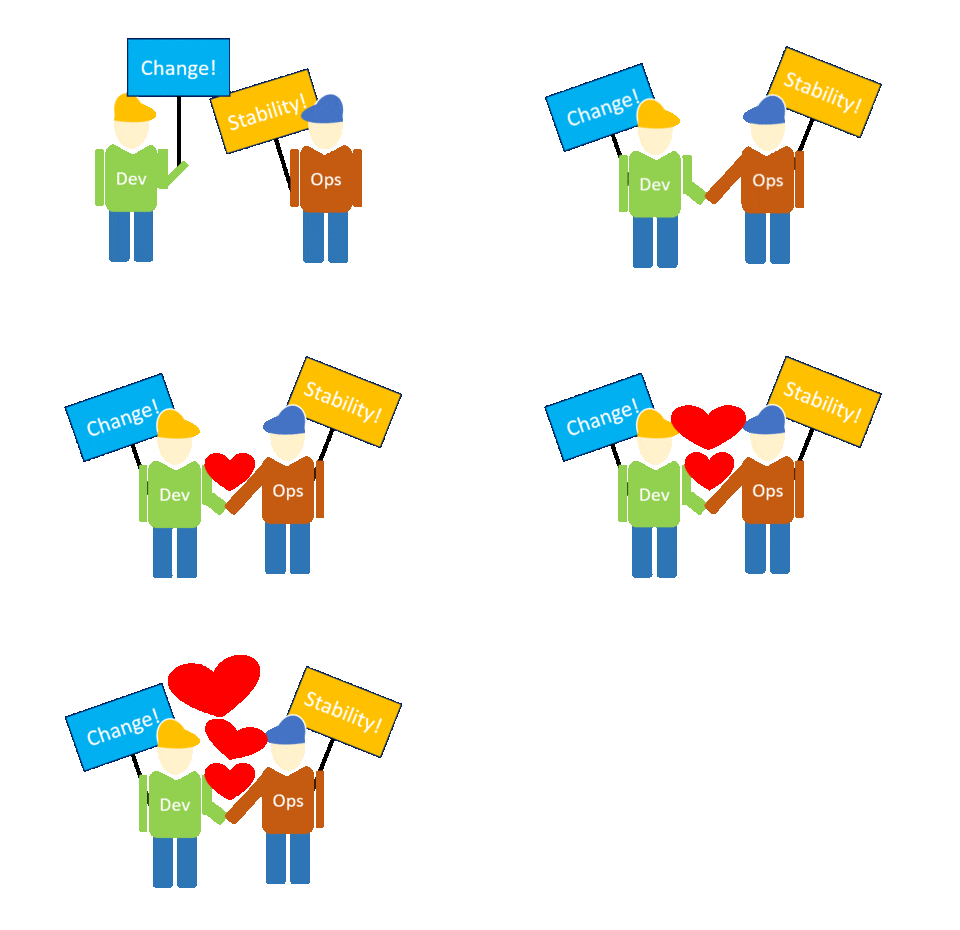
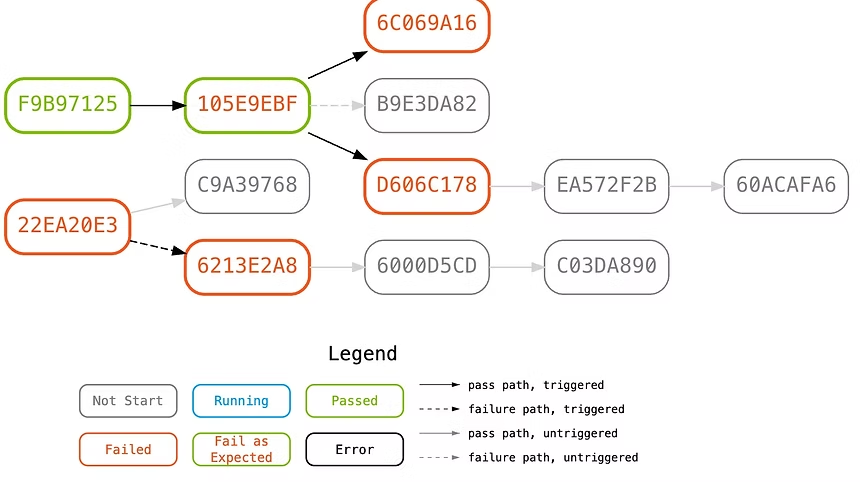
Use repeatable business-flow tests as a shared signal across delivery and operations. Trigger a targeted pipeline, locate the failing stage or dependency, and rerun the same path to verify recovery with less cross-team guesswork.
Give delivery, triage, and recovery the same executable context
A deployment job, monitoring alert, and incident channel often show different slices of the same failure. Testany lets teams keep a reusable business-flow pipeline, trigger it manually, on a schedule, or from an event, and use the result to narrow investigation or verify that a service path has recovered.
Why triage turns into a meeting
A red build identifies a symptom but may not show which service, dependency, environment, or data handoff failed.
Teams reproduce the same path with different scripts and data, making results harder to compare.
After a fix, recovery still needs an executable business check rather than an availability signal alone.
01
Testing as Triage
Run a targeted pipeline that represents the affected business path, use its ordered case results to narrow the failing stage or dependency, and repeat the same path after a change to verify recovery. This complements the delivery and monitoring systems your team already owns.
02
Dynamic Test Data Management
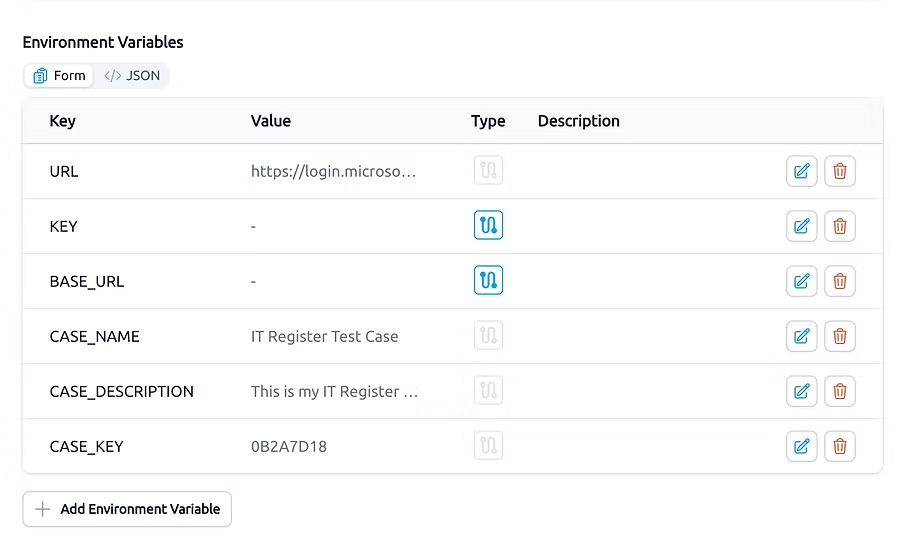
Capture an output from one test case and relay it to another case in the same business flow. Reusable data handoffs reduce manual copying and make it easier to run the pipeline with the inputs and credentials intended for each environment.
03
Reuse Tests Across Environments
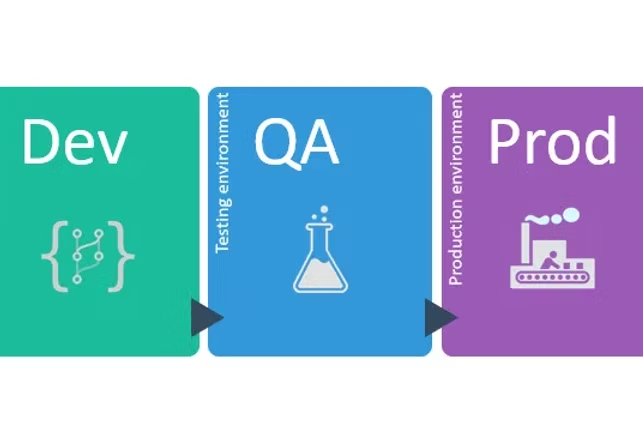
Keep test logic separate from environment-specific data, reuse cases across teams and plans, and select the managed or local execution model available to your edition. The same defined flow can then support delivery checks, diagnosis, and recovery verification.
A practical workflow
Connect a delivery or monitoring event to a reproducible check
Testany supplies the executable test flow; your CI/CD and monitoring systems remain responsible for the policy, alert, and operational response around it.
1
Source the tests
Use scripts from Local, GitHub, or Bitbucket and organize the cases that represent the service or user path you need to protect.
2
Set data and runtime
Separate environment data and credentials from test logic, then select the managed or Enterprise local runtime that can reach the target systems.
3
Choose the trigger
Run manually, on a schedule, or from an event generated by the delivery or monitoring workflow your team controls.
4
Triage and verify
Inspect where the business path failed, route the result through an available notification channel, and rerun after remediation.
Case-study evidence
An operations team paired monitoring alerts with business-flow probes
The published case describes a 16-person operations team using Gatekeeper, Plan, and Output Relay to test third-party service paths. Monitoring alerts triggered targeted Testany pipelines for diagnosis and recovery verification.
Test pipeline executions per month
23,000
Reported reduction in time to locate third-party dependency issues
70%
Reported reduction in mean time to repair
18 min
These figures are reported by one anonymized case study. They describe that team and environment; they are not a guarantee of results for every deployment.
Keep trigger, notification, and runtime assumptions explicit
Integration depth and operating responsibility depend on your systems and Testany edition. The public comparison provides the current baseline; validate the exact event payload and network path before rollout.
Triggers and notifications
The platform lists manual, scheduled, and event-driven triggers, plus email, Teams, Webex, and webhook among its notification capabilities. Confirm channel availability for the selected edition; a specific CI/CD vendor connector is not promised here.
Runtime and network
Community and Commercial use Testany-managed shared deployment. Enterprise lists dedicated deployment plus managed and local self-managed runtime for private network access.
Credentials and scale
Credential options include Testany-managed storage and bring-your-own support for AWS Secrets Manager and Azure Key Vault. Pipeline concurrency and support response vary by edition.
Questions to settle before making a pipeline a delivery signal
Can Testany be triggered from CI/CD?+
The platform lists event-driven triggers in addition to manual and scheduled runs. The exact event source, payload, authentication, and rule that blocks or reports a build must be validated for your CI/CD environment.
Does Testany replace infrastructure monitoring?+
No. The published operations case uses Testany together with an existing monitoring system: monitoring raises the alert, while a targeted business-flow pipeline helps diagnose the affected path and verify recovery.
Can a pipeline run inside a private network?+
Enterprise lists a local self-managed runtime and dedicated deployment. Community and Commercial use the shared managed model, so network reachability should be designed after choosing the edition.
Where can results be sent?+
The pricing comparison lists email, Teams, Webex, and webhook among the supported notification channels, but the current table does not map each channel to a specific edition. Confirm edition availability, message format, and routing requirements during implementation.
Continue evaluating
Validate the operating model before connecting a trigger